
Icons
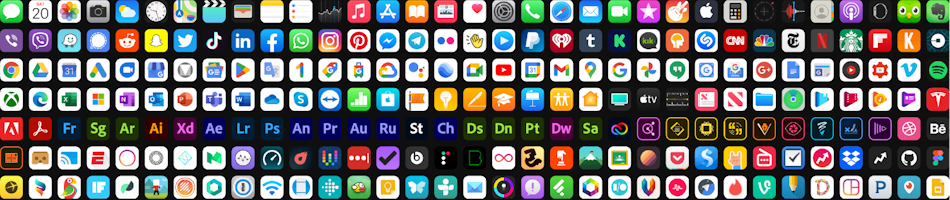
In computing, an icon is a graphic symbol displayed on a computer screen in order to help the user navigate a computer system.
During installation, most software applications will add their own icon (shortcut) to your desktop for easy access. But sometimes you may need to add a shortcut manually, at which point custom icons become very useful.
As an IT consultant I often work with the elderly. The most requested service? "Can you please add a desktop shortcut to my Gmail?" or "Please add a desktop shortcut to my online banking." The former being easy, since Gmail is a progressive web app. And the latter being slightly more complicated, since most banking apps are not progressive yet.
Designing Icons with Webware
You can manually design your own icons online with Icon8's Icon Maker and Zawa's Online Icon Editor.
Generating Icons with Artificial Intelligence
Apart from manually designing an icon, you can also generate icons with generative artificial intelligence like Canva's Free Icon Generator and Microsoft Designer.
Converting Icons
Sometimes you may need to convert icons from one format to another.
Converting PNG Icons to ICO
To convert icons from PNG format to ICO format, use Icollator Forever RECOMMENDED or the CONVERTICO Icon Maker.
Downloading Icons
Apart from designing your own, or generating icons with generative artificial intelligence, you may also download icons from FLATICON, Icon Archive RECOMMENDED, Icons8 and IconScout.
Alternatively, you may grab any of the icons below as a PNG (by right-clicking on the image and then left-clicking 'Save image as') or as an ICO (by right-clicking on the image and then left-clicking 'Save link as').








Please Review Us
If you appreciate our content and tutorials, please review SOHO Systems on Google Search and Facebook.
References
Wikipedia. (2026, May 29) Icon (computing). https://en.wikipedia.org/wiki/Icon_(computing)
For more information, simply run a Bing, DuckDuckGo or Google search for "computer icons".
📅 May 29, 2026
🔃
🖨️


